
Groove Crew

Everything an old record needs, in one app.

Record, remove clicks, reduce hiss, correct wow and flutter, find the right EQ curve, capture the label and title. Groove Crew does in one go what would otherwise take four apps.

Notify meNot out yet. We'll email you once, at launch.See pricing

Runs in your browser, on Mac and PC. Your recordings stay on your computer. Four steps are free; the other four cost a one-off €49.

How Groove Crew works
rpm

Eight steps from record to folder

Four of them are free.

From the first note to a folder of your own. You take your record through eight steps; the Groove Crew works groove by groove.

Clay figures use a crane to place a label on a record

01 / Label · Free

Photograph and read the label

No typing in titles and years.

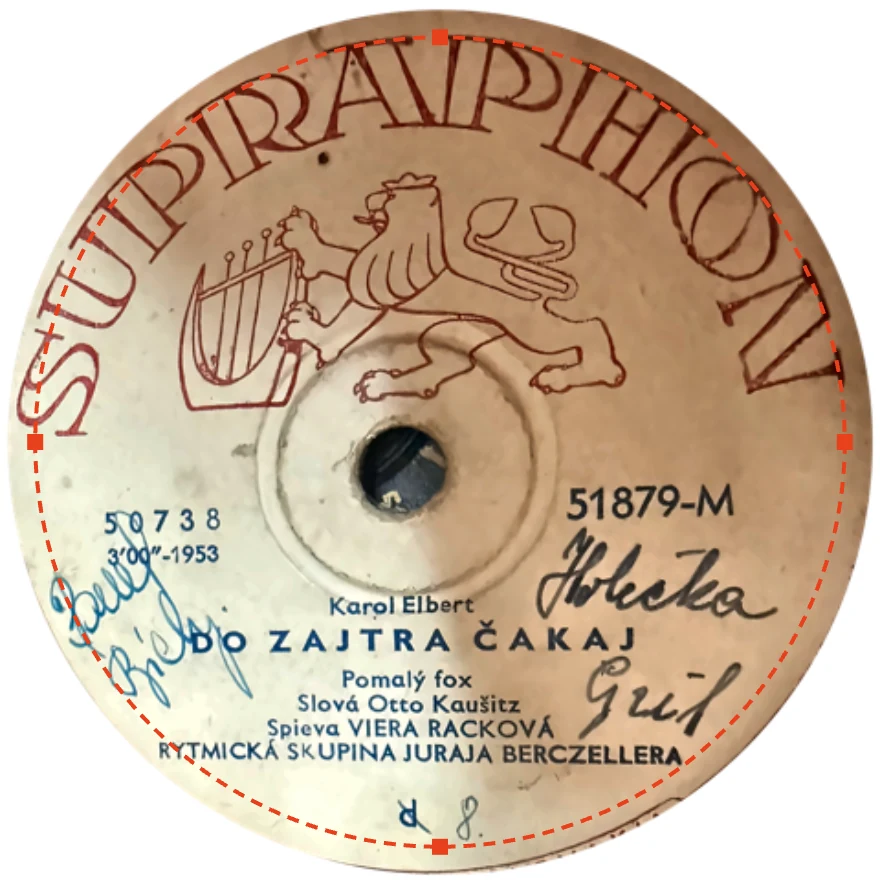
Photograph the label. Groove Crew detects the circle, straightens it and reads the title, artist, label, year and catalogue number.

Anything unreadable stays blank. Nothing gets made up.

See how it finds the labelPhotograph of a Supraphon label with its edge outlined
Technical details

The label is detected as a circle around the centre, even in a photograph taken at an angle. Text recognition runs locally in your browser; it also uses the lines of text to turn the label upright. Uncertain lines are ignored, and every suggestion can be reviewed. Everything outside the label is made transparent.
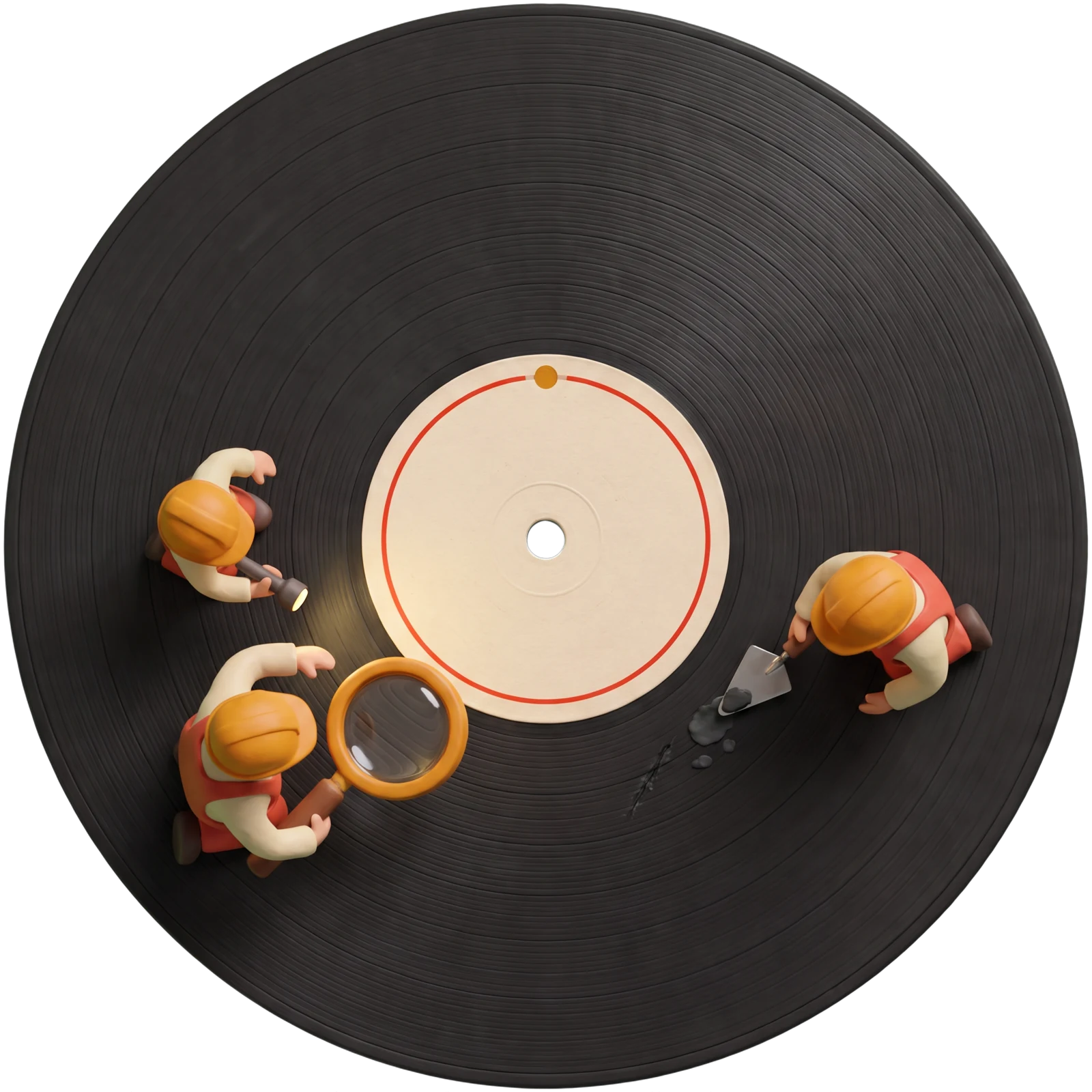
Clay figures inspect a groove with a magnifying glass

02 / Catalogue · Free

Check title, label and year

You just confirm what's right.

The details from the label are already there: title, artist, year, label and catalogue number. Check them and add anything missing.

Your record gets a folder with a sensible name.

Technical details

The folder is named by year, label, catalogue number, side and title. The label and year decide the EQ curve later on.

Record player with a tonearm

03 / Record · Free

Record, with an automatic stop

You don't have to sit by it.

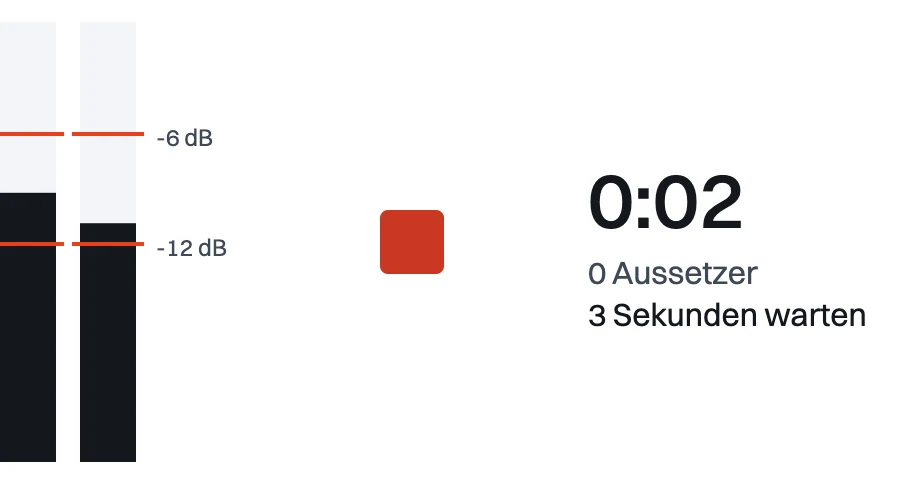
Put the record on. You can watch the levels while Groove Crew counts any dropouts. Groove Crew keeps the lead-in before the first note as a noise profile and trims it to half a second at the end.

Recording stops by itself when it reaches the run-out groove.

See the recorderGroove Crew recorder with level meters and a dropout counter
Technical details

Recorded as 24-bit, 96 kHz FLAC, then made read-only. The lead-in groove is used as a noise profile and is only cut to half a second at the end. Groove Crew warns you straight away if the level is very low.

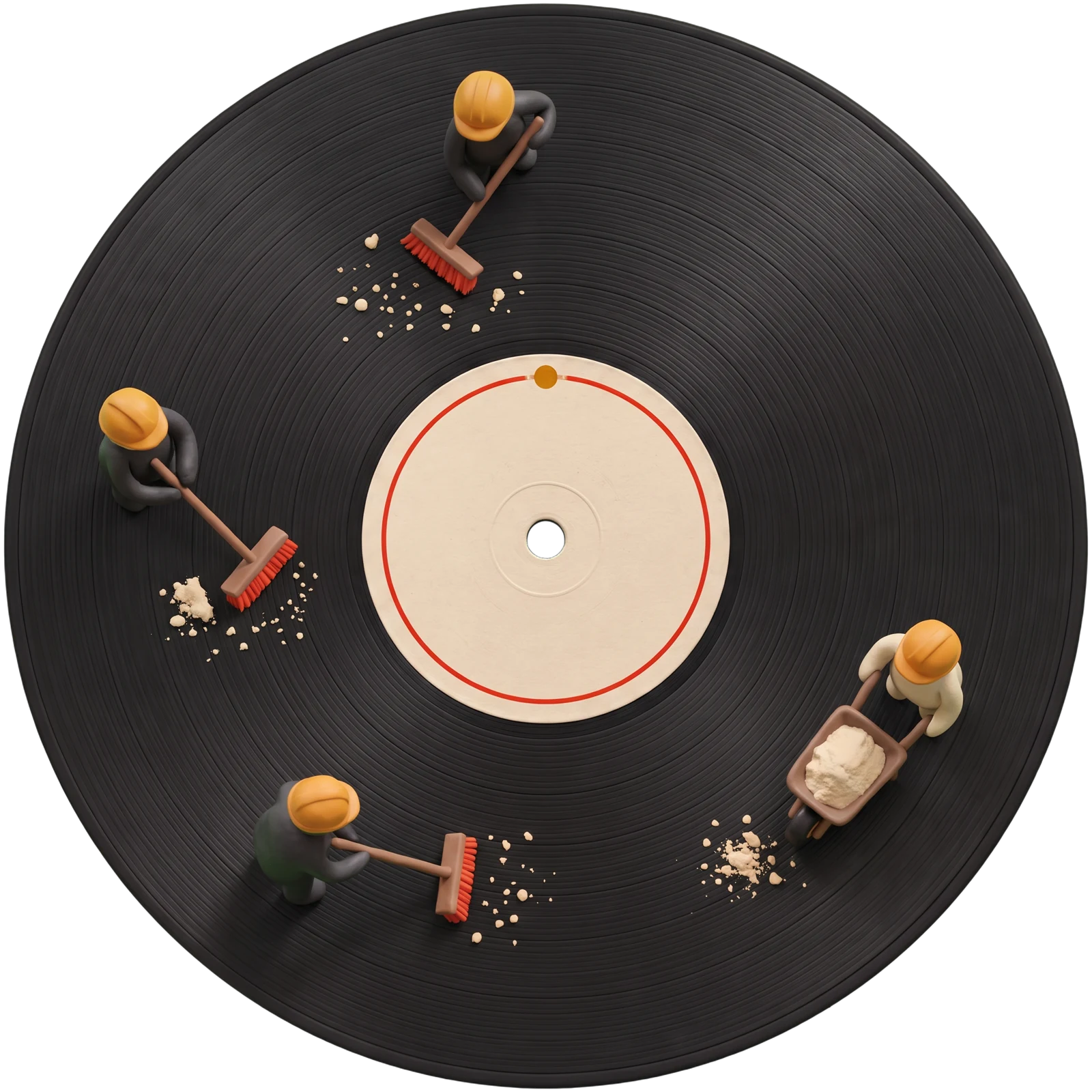
Clay figures sweep dust out of record grooves

04 / Clean · Pro

Clicks, hiss and equalisation

Every click is repaired on its own.

Groove Crew finds each click and removes it, one by one. The music around them is left alone, and the hiss is turned down.

For 78s, Groove Crew picks the EQ curve by label and year. For LPs and singles, it uses the standard RIAA curve.

The EQ curve undoes the tone shaping applied when the record was cut. In the 78 era, each record company used its own.

Technical details

In order: undo the RIAA EQ applied by your phono preamp, compare both groove walls and use the cleaner one, find each click and rebuild the 1 to 6 ms it covers. Then apply the label's EQ curve, a rumble filter and finally noise reduction. No compression; peaks are normalised to −1 dBFS.

Clay figures straighten a wave using a spirit level

05 / Wow · Pro

Measure and correct speed variation

Nothing changes until you've heard it.

Groove Crew measures speed variation and suggests a correction. It is only applied once you have listened to it.

Records cut at odd speeds are brought back to the right pitch.

Technical details

The pitch of the harmonics is tracked across the whole side, in 64 ms windows every 5 ms. Variations that repeat with every revolution are picked out as a pattern of their own. The correction stretches and squeezes time, not individual notes. Records cut at non-standard speeds are converted to the right speed.

Headphones beside original and cleaned waveforms

06 / Listen · Free, cleaned versions with Pro

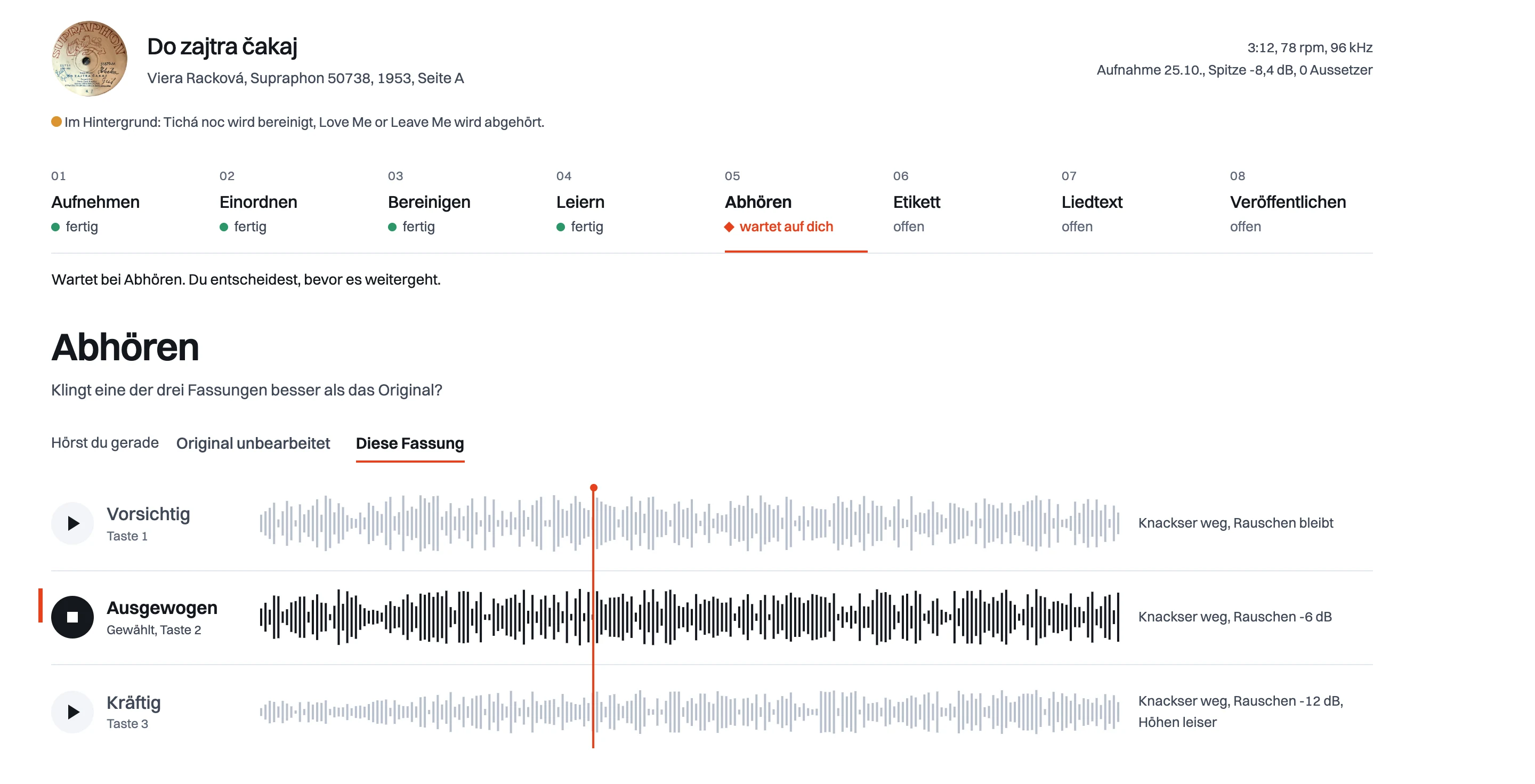
Compare with the original

Original and result, side by side.

Compare the cleaned versions with the original. Playback carries on as you switch.

Ten seconds, before and after

0:00 / 0:10

See the comparison in Groove CrewGroove Crew comparison screen with waveforms and a version switch
Technical details

All versions play in sync. Switching doesn't jump back to the start.

Record with a lyric sheet and microphone

07 / Lyrics · Pro

Transcribe the lyrics

With a timestamp for every line.

For songs out of copyright, Groove Crew writes out the lyrics. Uncertain lines are marked for you to check.

Other songs get a two-sentence summary.

Technical details

The voice is first separated from the music, then transcribed locally in your browser with Whisper, an open speech-recognition model, with a timestamp for each line. Lines the model makes up during instrumental passages are thrown out.

Record and a finished web page

08 / Save · Pro

Save everything in one folder

Audio, label, lyrics and web page in one place.

Groove Crew saves everything in one folder: audio files, the label, the lyrics and a finished web page.

You can upload the page to your own website. Groove Crew doesn't host anything.

  • Audio files
  • Label
  • Lyrics
  • Web page
Technical details

The folder contains audio files, the label, lyrics and a finished HTML web page. Upload it by drag and drop or FTP to a host such as Cloudflare Pages or Netlify.